
ARCH GRAPHIC · 3D Printing UAE · Knowledge Base
3D Printing
Knowledge Base
The General Rules on Designing for The 3D Printing Setting, Discover The Most Successful 3D Printing Knowledge Base Points, Those differences are driven by the 3D Rules of nature/physics of the physical world.
Professional STL File Preparation Guide — UAE by 3D Printing ARCH GRAPHIC Architect-led review of geometry, scale, wall thickness, and orientation — so your model prints right the first time.
Getting Started
Who This Guide Is For
Built for professionals, architects, designers, engineers, and students who need reliable, production-quality 3D printing results in the UAE. This guide is designed for anyone preparing architectural models, product prototypes, university projects, or presentation pieces and looking for the right advice on materials, file preparation, scale accuracy, and print success in Dubai, Sharjah, Ajman, and across the UAE.
File Submission
Accepted 3D File Formats
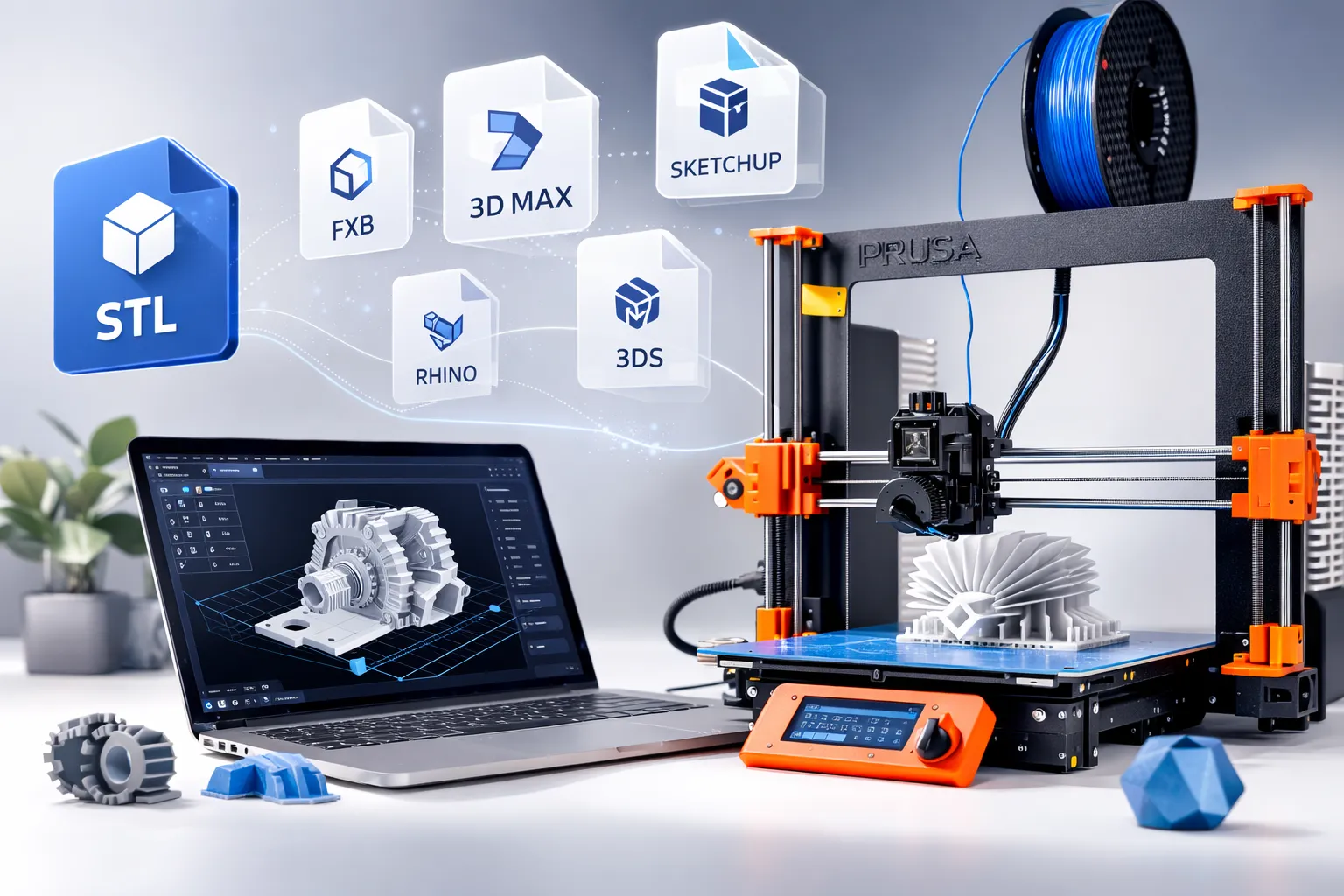
For the fastest review and most accurate production workflow, submit your 3D model in STL format (preferred). We also work with other common 3D file formats used in architecture, product design, and engineering, but STL files usually allow a quicker check for printability, scale, and model readiness. Always export your file in millimeters (mm) to prevent scale errors, incorrect sizing, and delays in 3D printing production across the UAE.
|
Ready for 3D Printing
|
Design or 3D Modeling Required
|
|---|---|
Technical Standards
The Print-Ready Standard
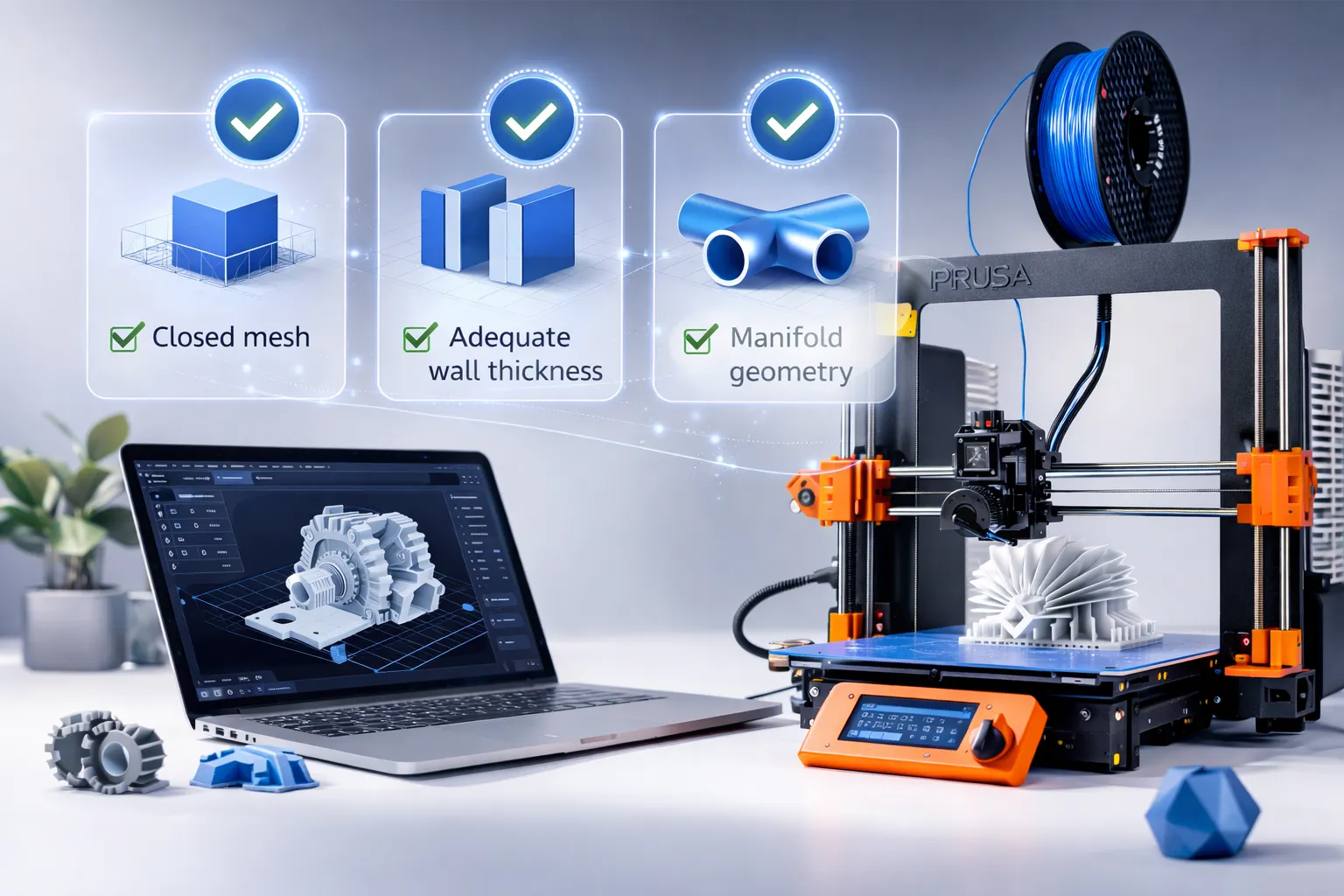
Premium 3D printing results start with clean geometry and proper model preparation. These essential print-ready standards help reduce slicing errors, improve surface quality, and prevent common print failures before production begins. Whether you are preparing an architectural model, student project, or prototype in the UAE, following these core rules leads to better accuracy, cleaner details, and a more reliable 3D printing workflow from file submission to final output.
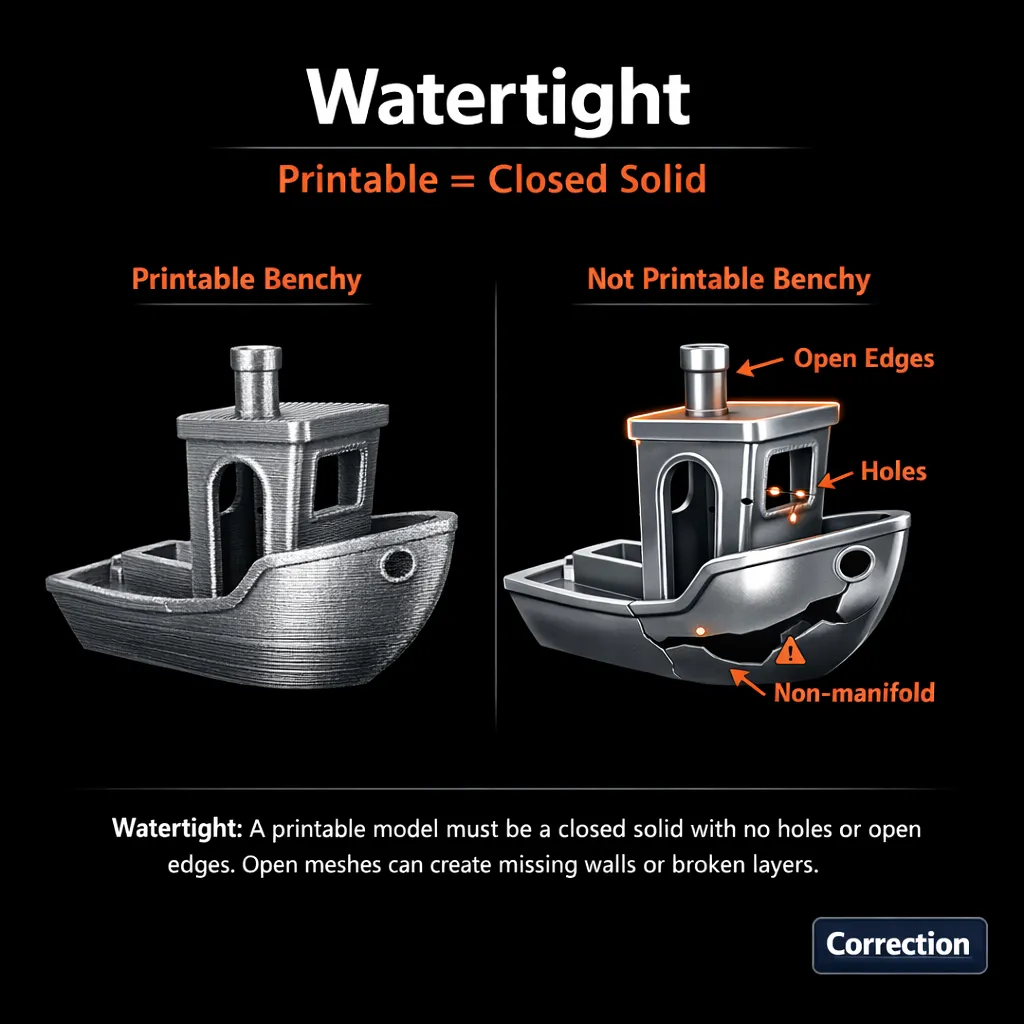
Watertight Solid
Fully closed with no holes or open edges. Open meshes cause missing walls and broken layers.
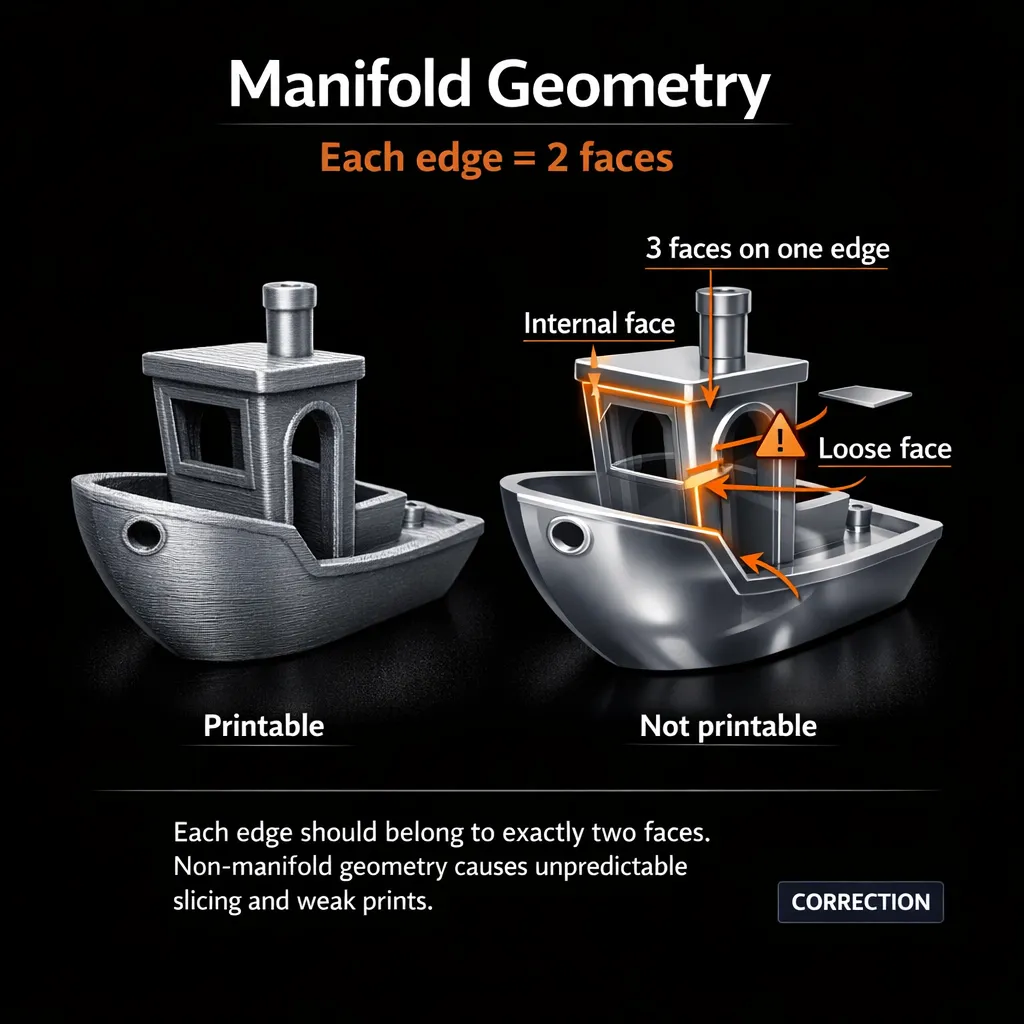
Manifold Geometry
Every edge belongs to exactly two faces. Non-manifold geometry causes weak prints.
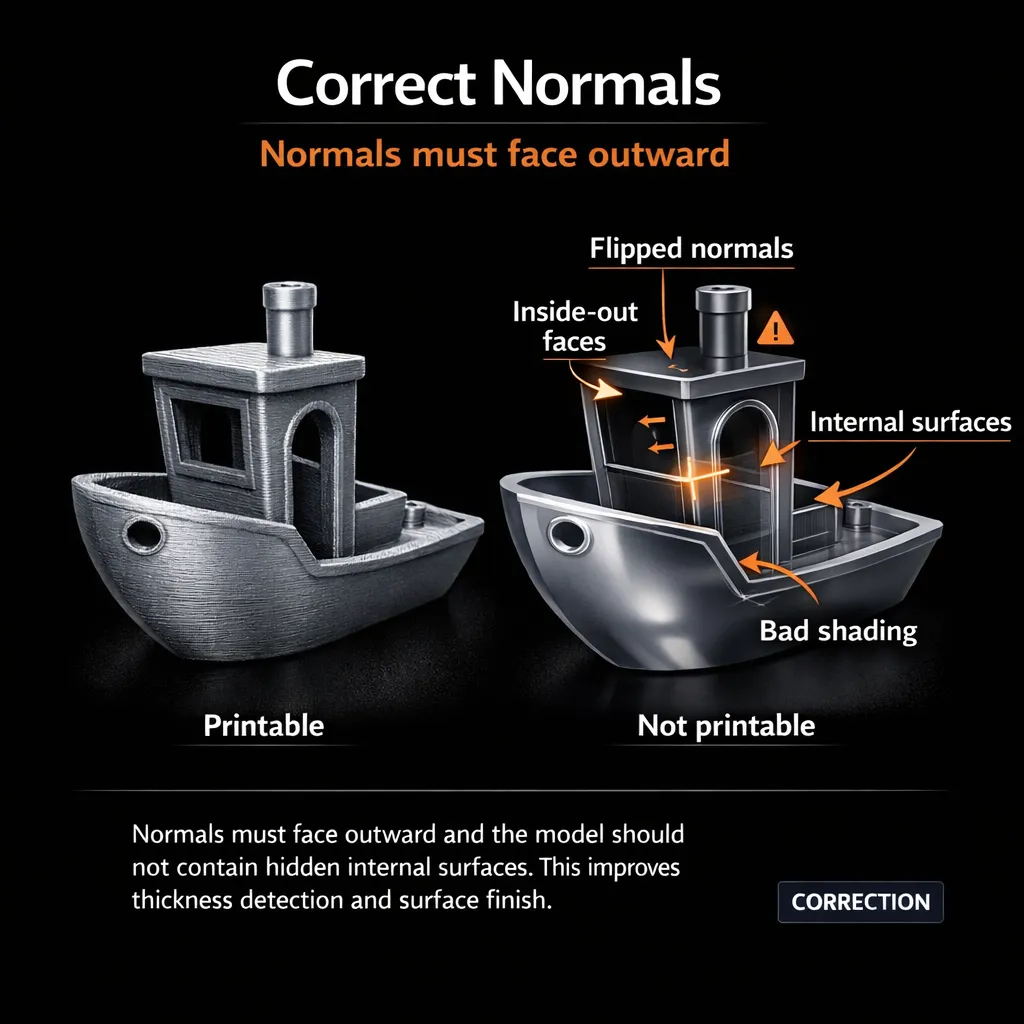
Correct Normals
Normals face outward. No hidden internal surfaces — they disrupt thickness detection.
Critical Parameter
Wall Thickness Guidelines
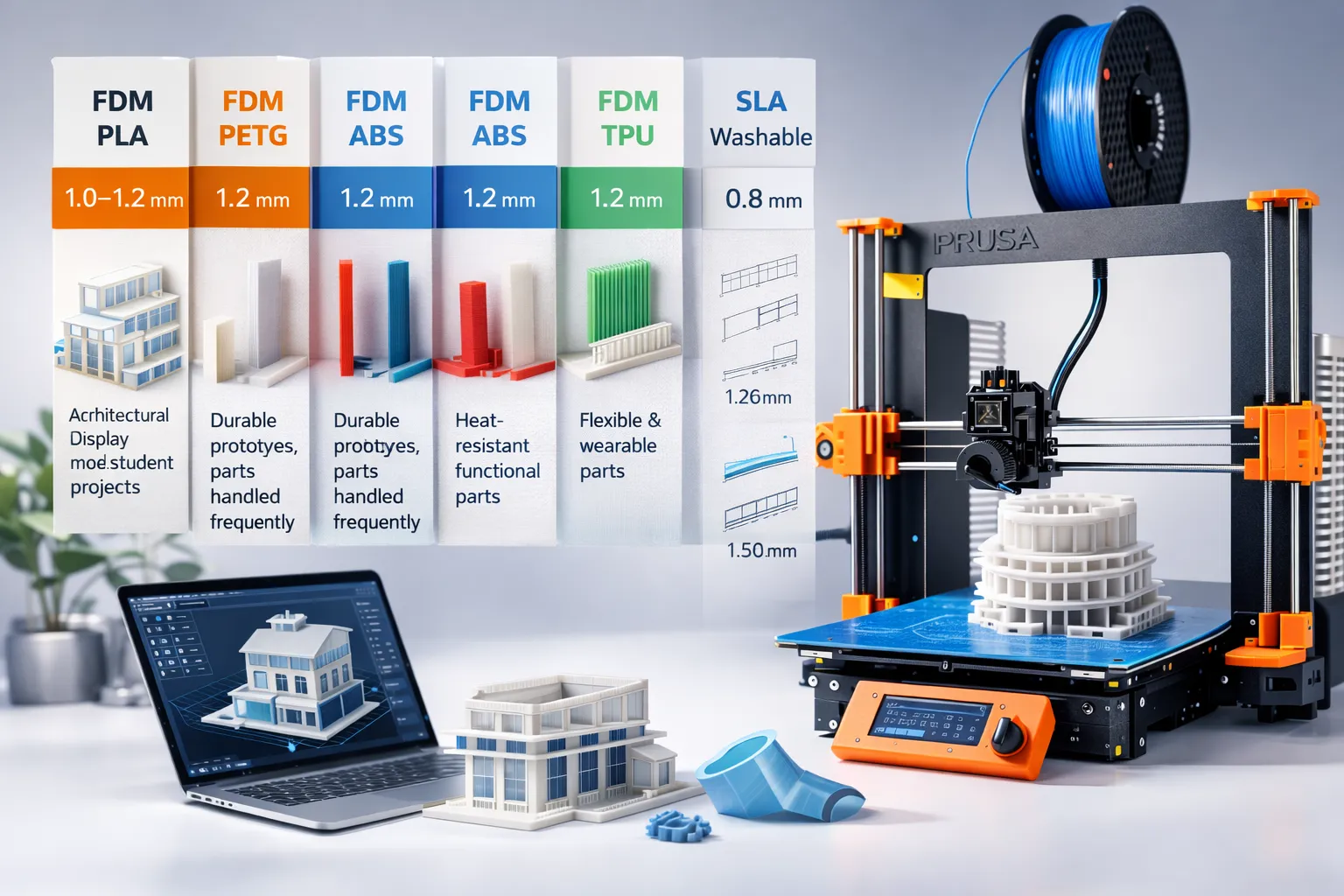
Wall thickness is one of the most important factors in successful 3D printing and one of the most common causes of print failure at 3D Printing ARCH GRAPHIC. Walls that are too thin can break, deform, disappear during slicing, or produce weak final parts. Use these minimum wall thickness guidelines as your baseline for architectural models, student projects, and prototype parts to achieve stronger prints, better surface quality, and more reliable production results in the UAE.
|
3D Technology
|
Material
|
Wall thinkness
|
Reserve |
|---|---|---|---|
|
FDM |
PLA |
1.0–1.2 mm |
Architectural display models, student projects |
|
FDM |
PETG |
1.2 mm |
Durable prototypes, parts handled frequently |
|
FDM |
ABS |
1.2 mm |
Heat-resistant functional parts |
|
FDM |
TPU |
1.2 mm |
1.2 mm |
|
SLA |
Washable |
0.8 mm |
Ultra-high detail small elements |
Architecture note
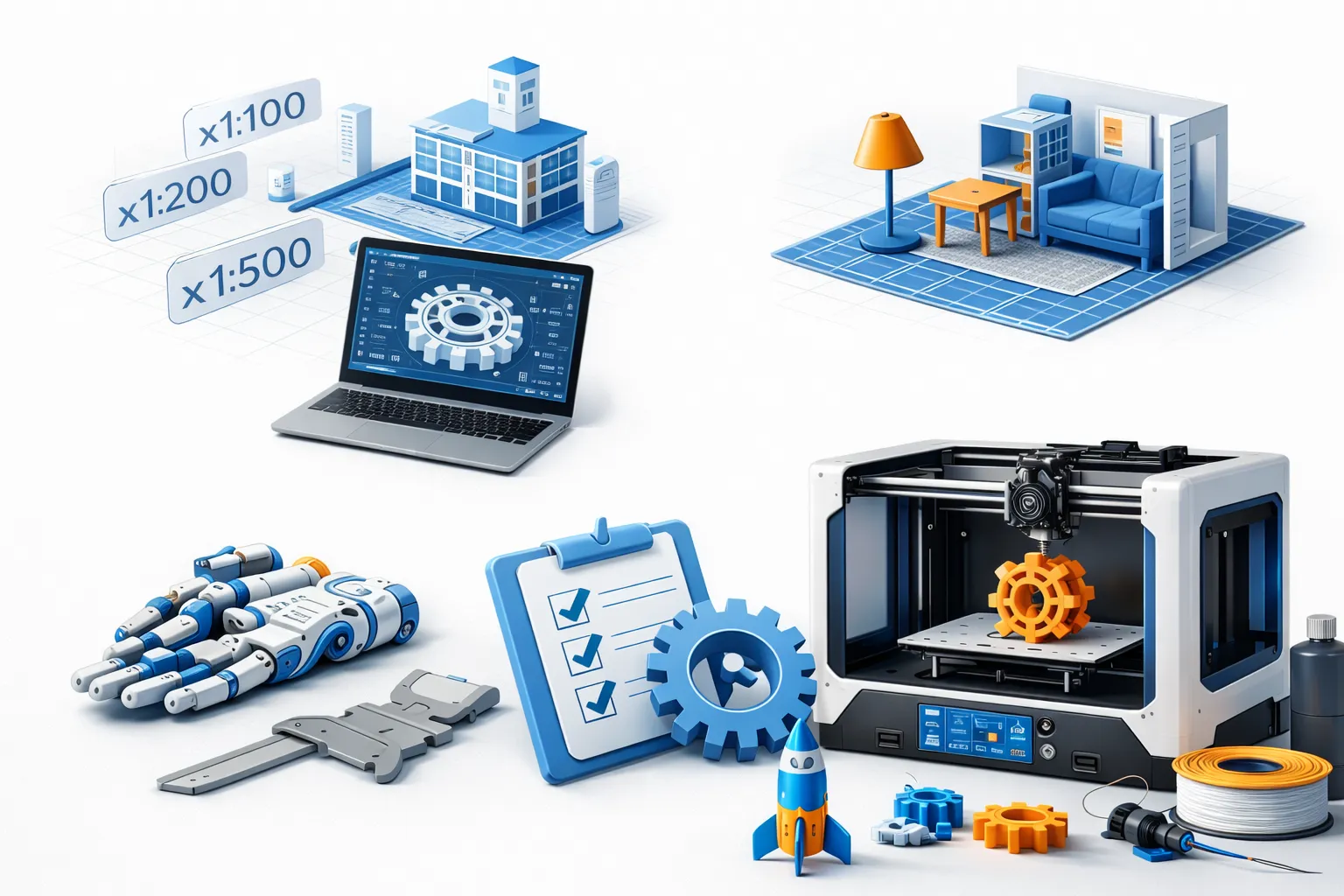
At small architectural scales such as 1:100, 1:200, 1:500, and 1:1000, fine elements like railings, louvers, mullions, screens, and thin façade details can become too fragile for safe 3D printing and handling. These micro-details should be reinforced, thickened, merged, or simplified to improve printability, strength, and final presentation quality in architectural scale models.
Print Strategy
Overhangs, Supports & Orientation
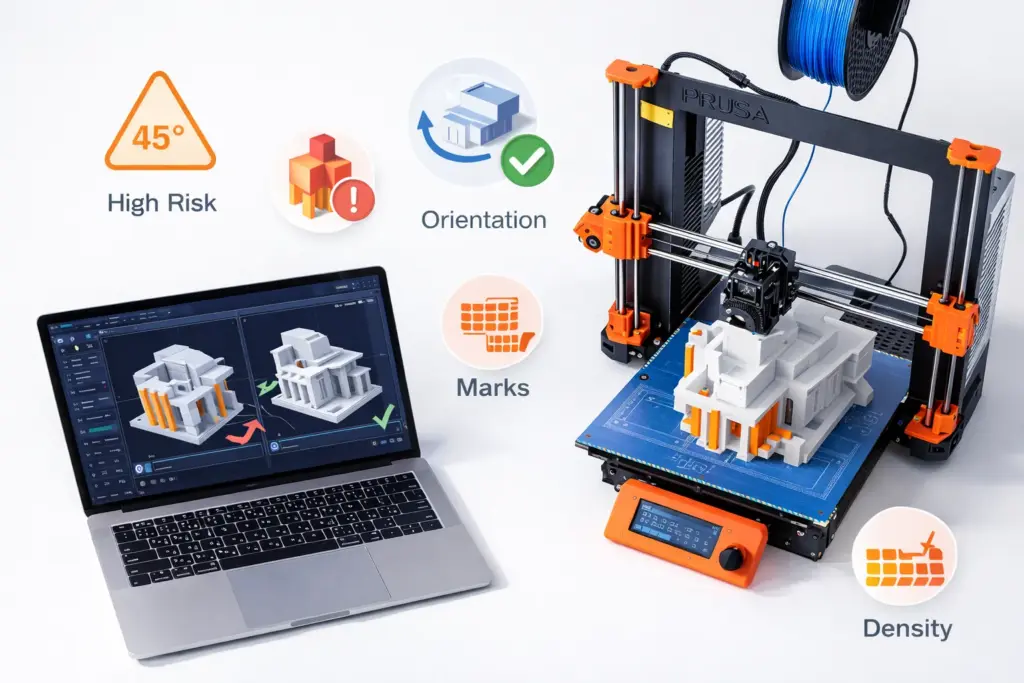
Supports, overhangs, and part orientation have a major impact on surface quality, print time, and overall 3D printing cost. A well-oriented model can reduce support material dramatically, protect the most visible façades, and deliver cleaner results with less post-processing. For architectural models, student projects, and presentation pieces in the UAE, smart print strategy helps keep production efficient while also keeping your budget under control.
Supports?
Not sure how your model should be oriented for the best 3D printing result? We can review your STL file, analyze key overhangs, visible surfaces, and fragile areas, then recommend the optimal print orientation to reduce supports, improve surface quality, and lower unnecessary print time and post-processing. This helps achieve cleaner, more efficient 3D printing results for architectural models and student projects in the UAE.
|
Design Rules
|
Print Considerations
|
|---|---|
|
FDM overhang guideline |
~45° — beyond this angle, geometry typically requires support structures |
|
High-risk features |
cantilevers, deep balconies, floating stairs, underside arches |
|
Goal |
orient the model so support contact marks land on hidden or non-critical surfaces |
|
Support removal leaves marks |
Even clean removal causes minor surface scarring |
|
Support density is a trade-off |
improves overhang quality but increases material use, cost, print time, and removal effort |
Common Issue
Scale Accuracy & Unit Verification
Incorrect scale is one of the most common problems in UAE student 3D printing submissions and can lead to oversized models, missing details, wasted material, and production delays. Before uploading, always verify your units, target scale, base size, and overall model dimensions to ensure accurate 3D printing results, especially for architectural models, university projects, and professional presentation work.
Fast Quote Checklist
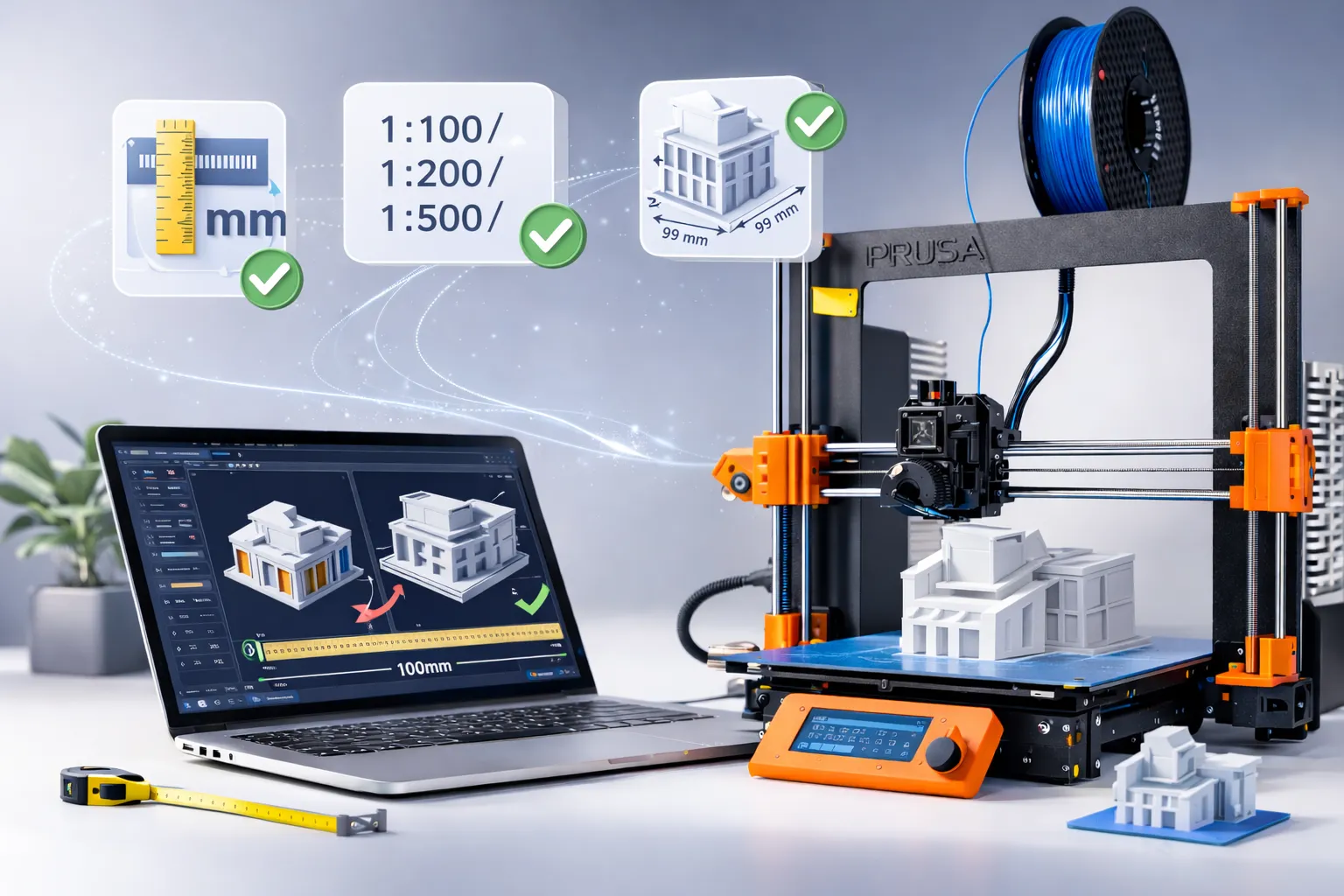
Incorrect scale is the most common issue in UAE student submissions and often causes delays, wrong proportions, material waste, and unexpected 3D printing problems. Confirm all of the following carefully before uploading your file for review and production:
- Export units set to millimeters (mm)
- Target scale confirmed: 1:100 / 1:200 / 1:500
- Base footprint (L × W) and final height defined
- Avoid inches-to-mm mistakes
- Real-world dimensions available if scaling is needed
Build Quality
Stability, Durability & Assembly
Build quality is essential for strong, professional 3D printed models, especially for architectural presentations, student submissions, and parts that need transport or repeated handling at 3D Printing ARCH GRAPHIC. A successful model should not only look accurate, but also remain stable, durable, and easy to assemble when printed in multiple parts. Before production, confirm that your design includes enough structural strength, safe connection points, and practical part division for reliable results.
Center of Gravity
Tall or top-heavy forms need stable bases and internal reinforcement to prevent tipping and fractures during handling.
Splitting Large Models
Large architectural models print cleaner and more accurately when designed as assembled sections with clear join lines.
Alignment Pins
Alignment pins improve assembly accuracy, minimize visible seams, and significantly increase structural durability.
Before You Print, The 60-Second Checklist!
Material Selection
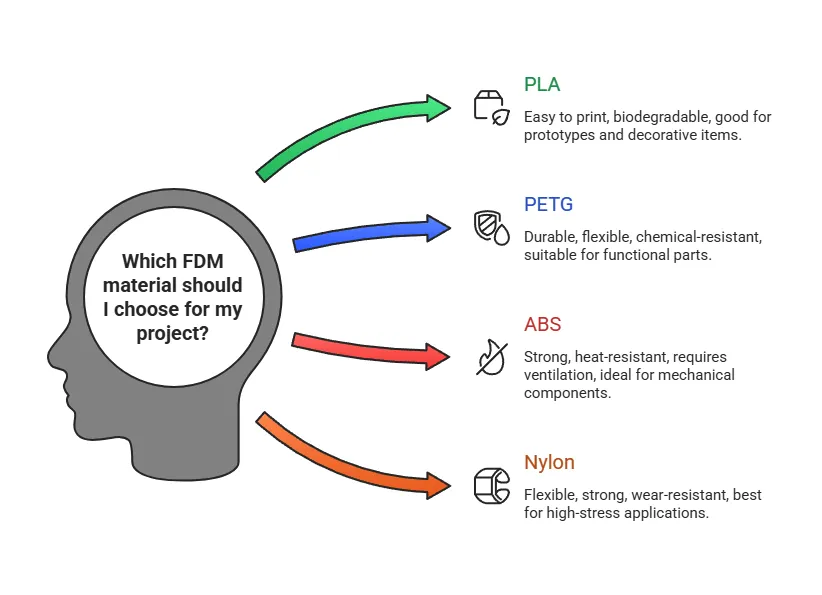
Choose the Right Material
Each 3D printing material has specific strengths, limitations, and ideal use cases. Choosing the right one affects surface quality, detail level, strength, cost, and turnaround time. For architectural models, student projects, and prototypes in the UAE, proper material selection helps ensure better performance, cleaner presentation, and more efficient production results.
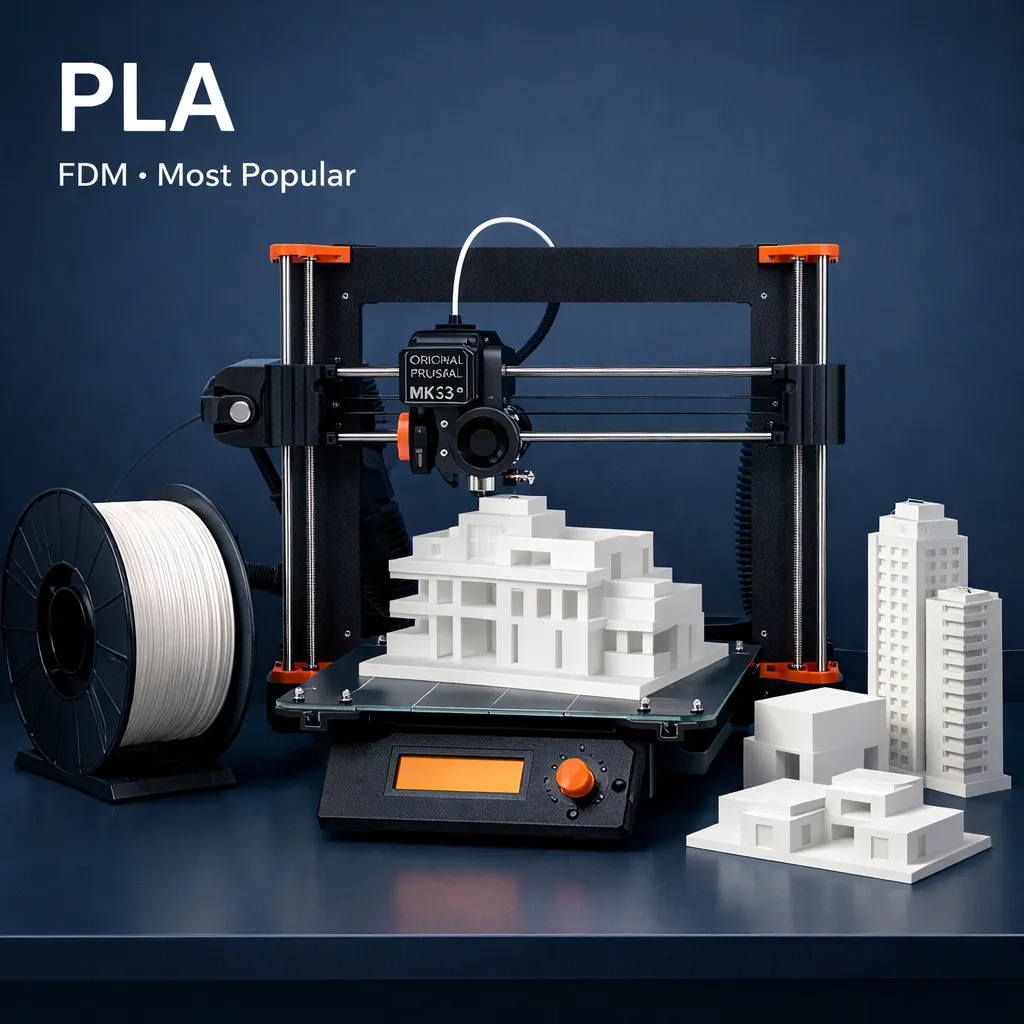
PLA
FDM · Most Popular
Architectural models & student projects
Most reliable for clean surfaces. Best starting point for most UAE projects.
Min: 1.0–1.2 mm
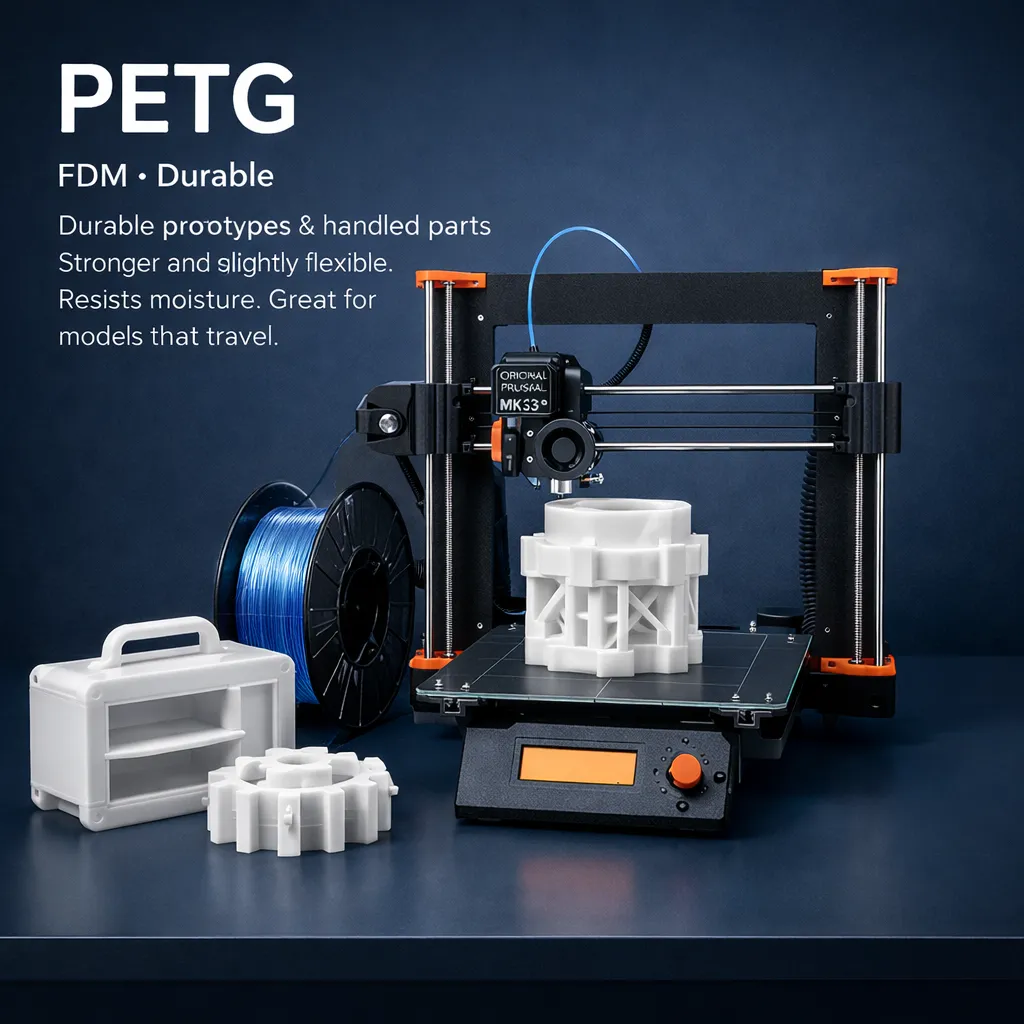
PETG
FDM · Durable
Durable prototypes & handled parts
Stronger and slightly flexible. Resists moisture. Great for models that travel.
Min: 1.2 mm
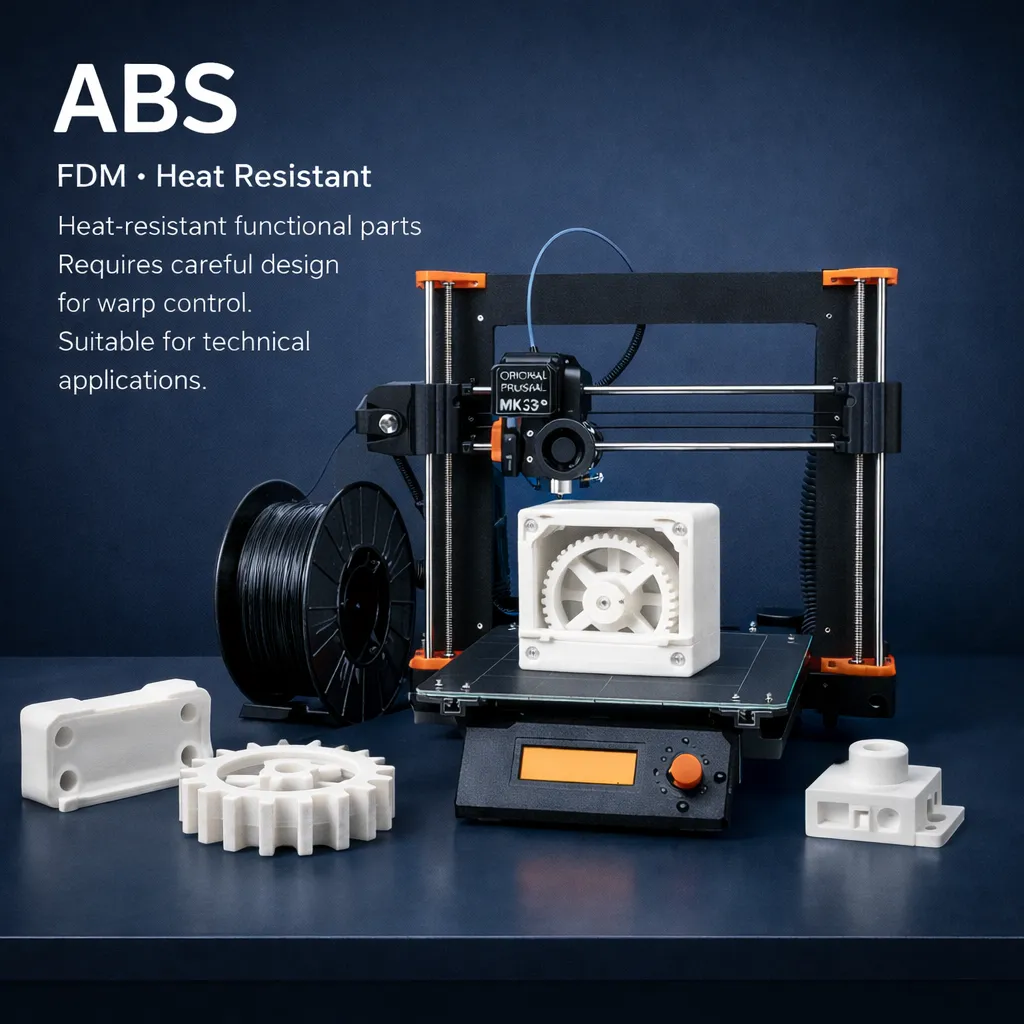
ABS
FDM · Heat Resistant
Heat-resistant functional parts
Requires careful design for warp control. Suitable for technical applications.
Min: 1.2 mm

Resin
SLA / DLP · Ultra Detail
Ultra-fine detail & smooth surfaces
Ideal for jewelry-scale features and presentation-grade finishes.
Min: 0.8 mm

Troubleshooting
Avoid These Common Errors
These issues cause the majority of failed, delayed, or rejected 3D files — so always check your model carefully before uploading to 3D Printing ARCH GRAPHIC. Common problems such as thin walls, wrong scale, non-manifold geometry, and unsupported details can affect printability, surface quality, and production time for 3D printing projects in the UAE.
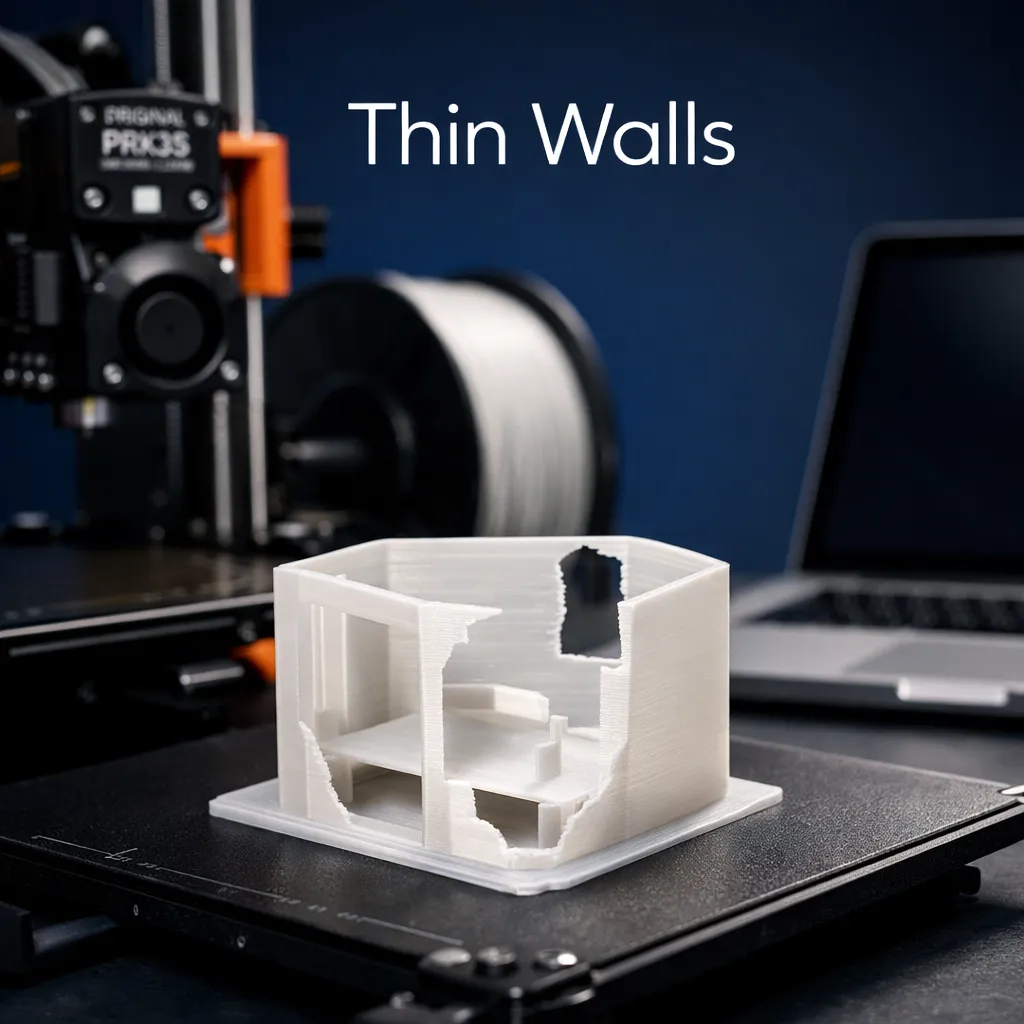
Thin Walls
Below material minimums. Causes collapse or missing surfaces.
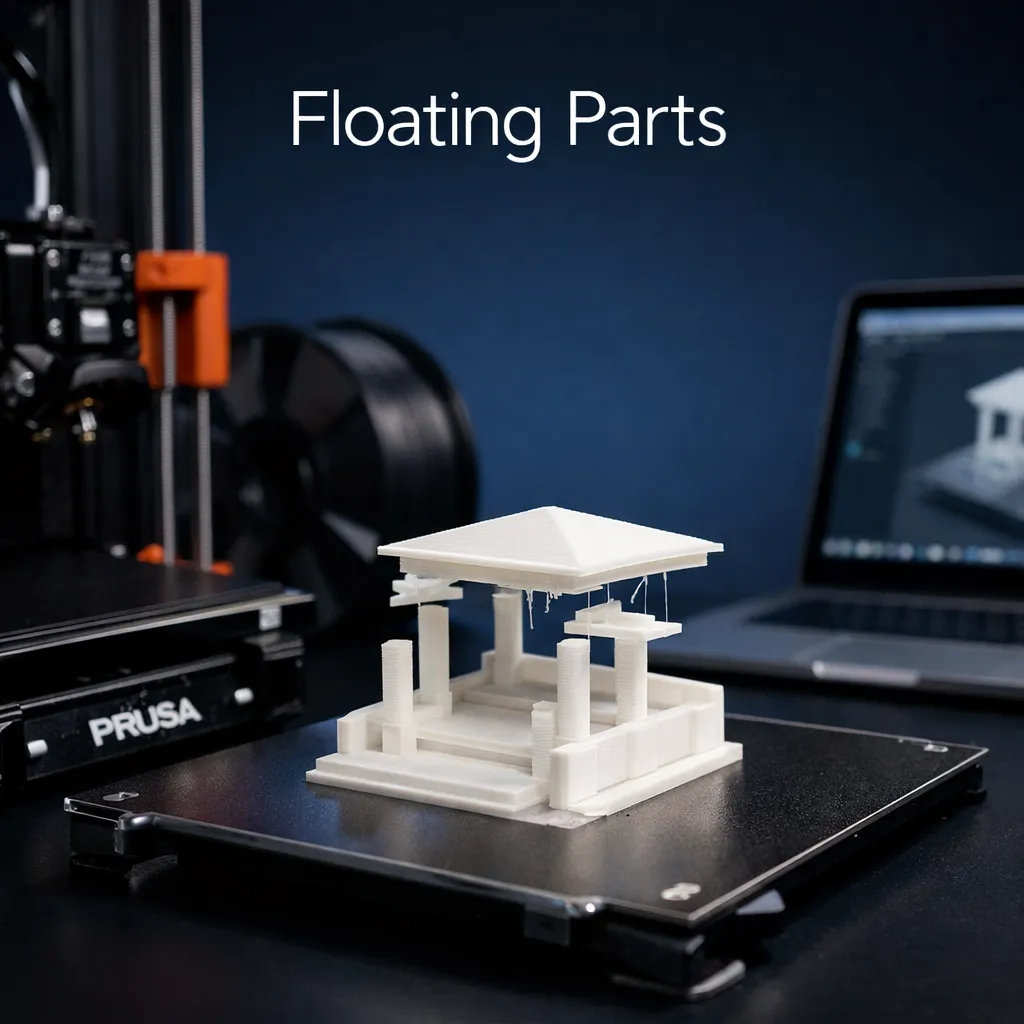
Floating Parts
Geometry not connected to the main body cannot be printed.
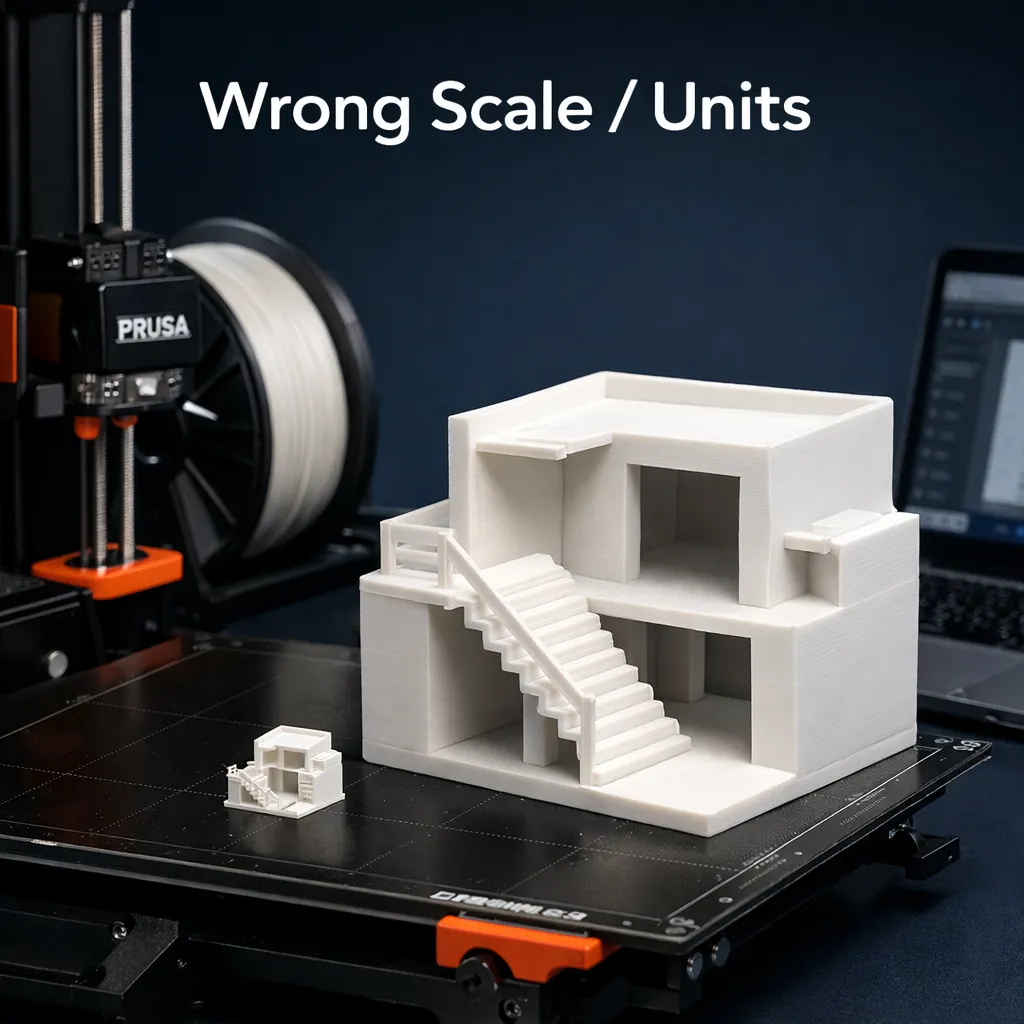
Wrong Scale / Units
Always export in mm and verify target scale before upload.
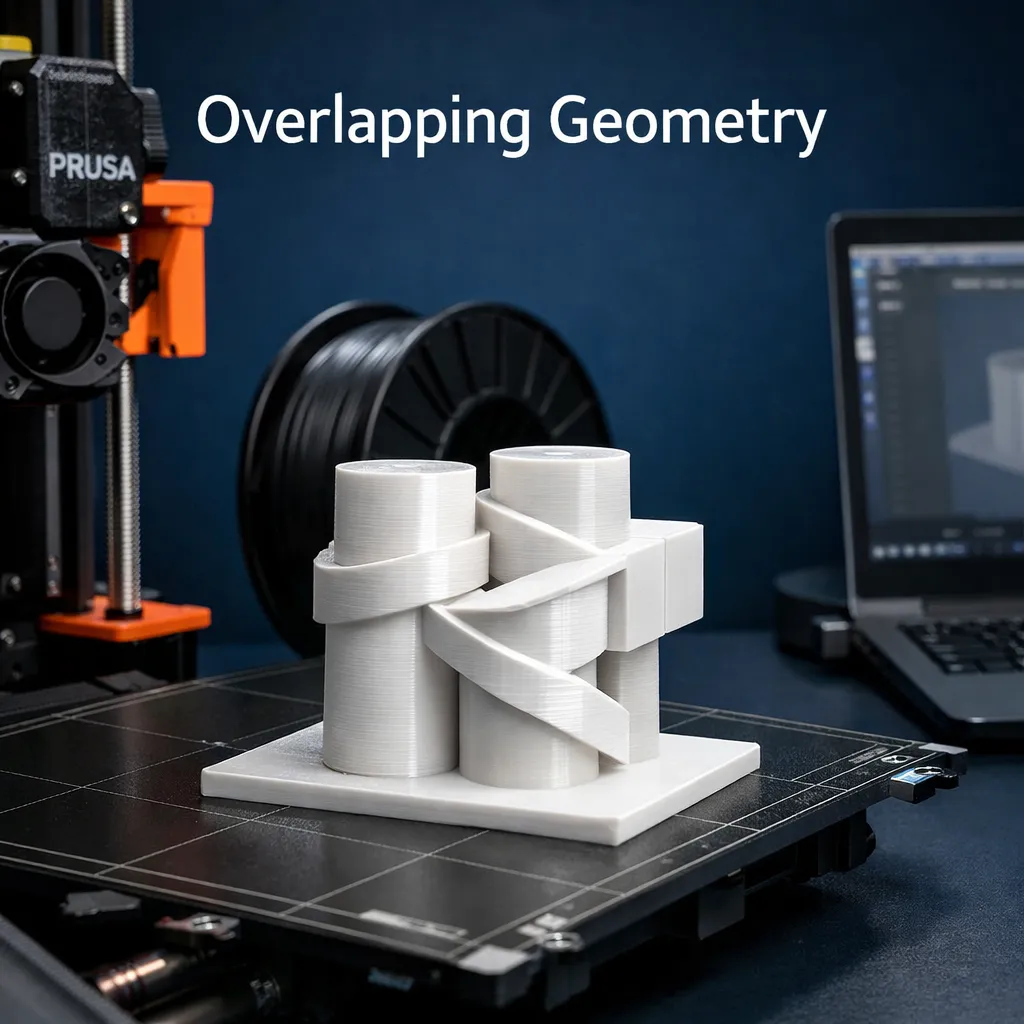
Overlapping Geometry
Intersecting surfaces cause slicing errors and unpredictable output.
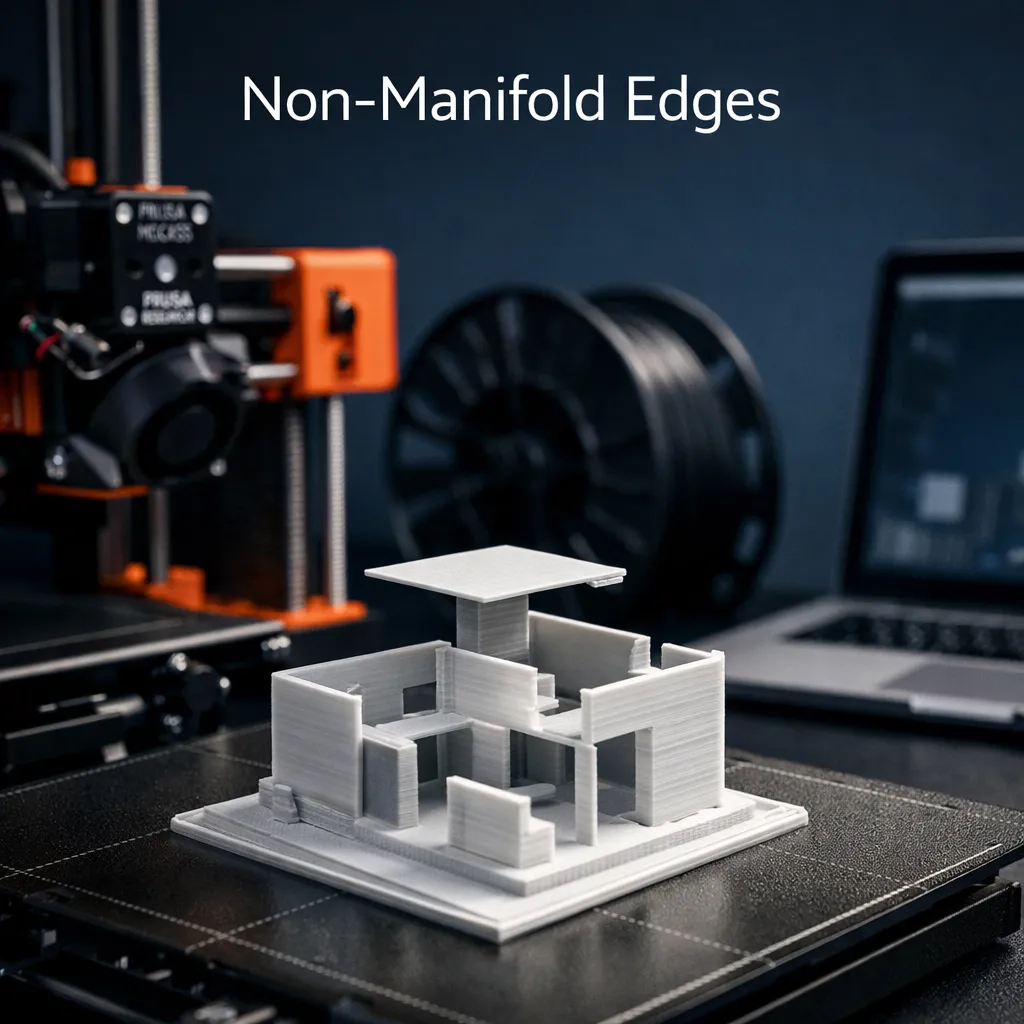
Non-Manifold Edges
Edges shared by more than two faces break geometry.
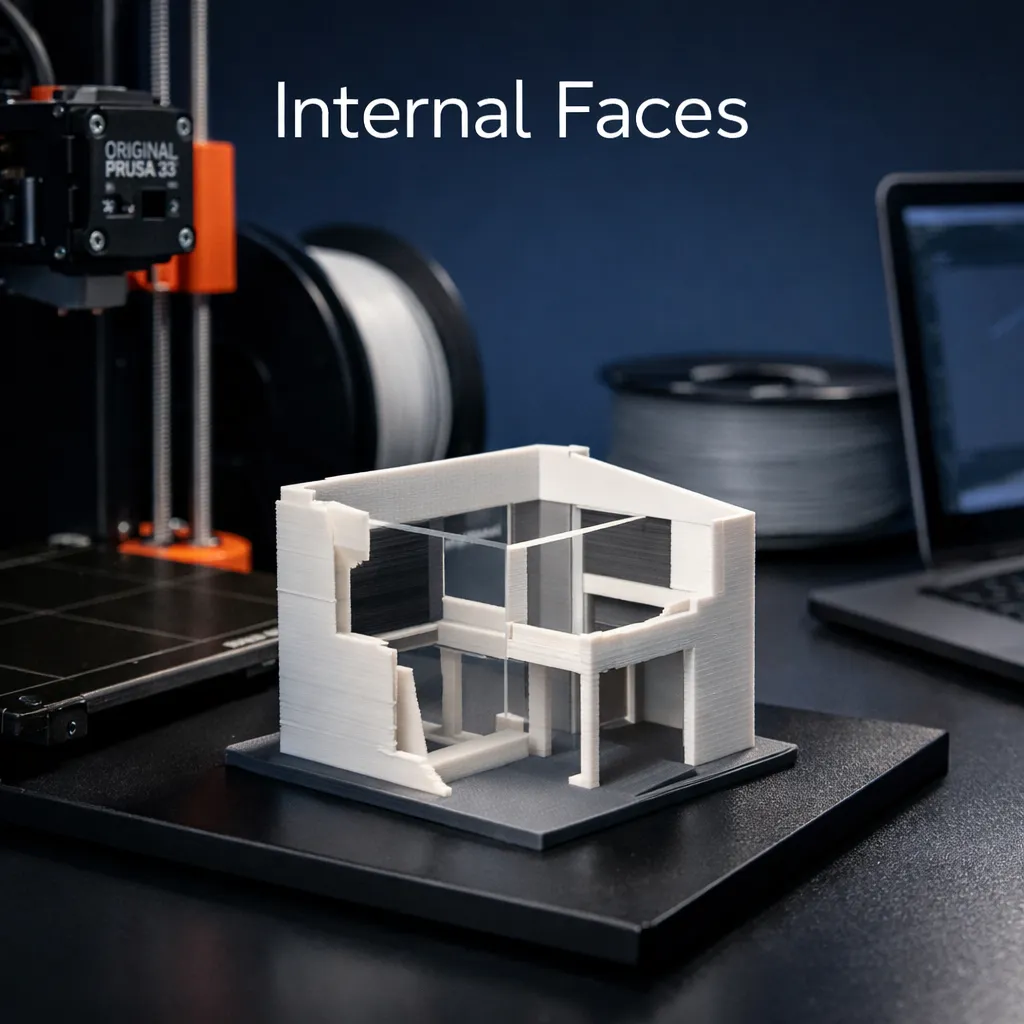
Internal Faces
Hidden internal surfaces disrupt slicer thickness detection.
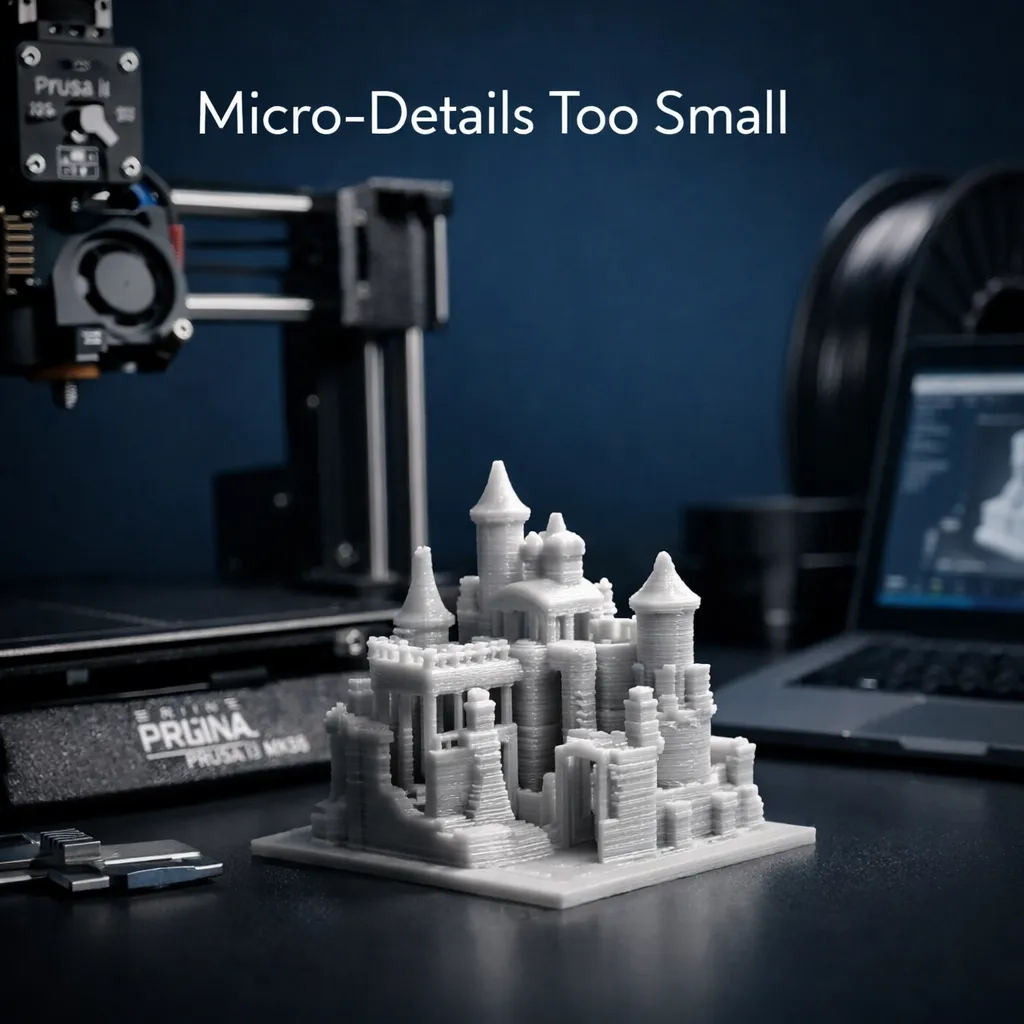
Details Too Small
Features below printable resolution at target scale will vanish.
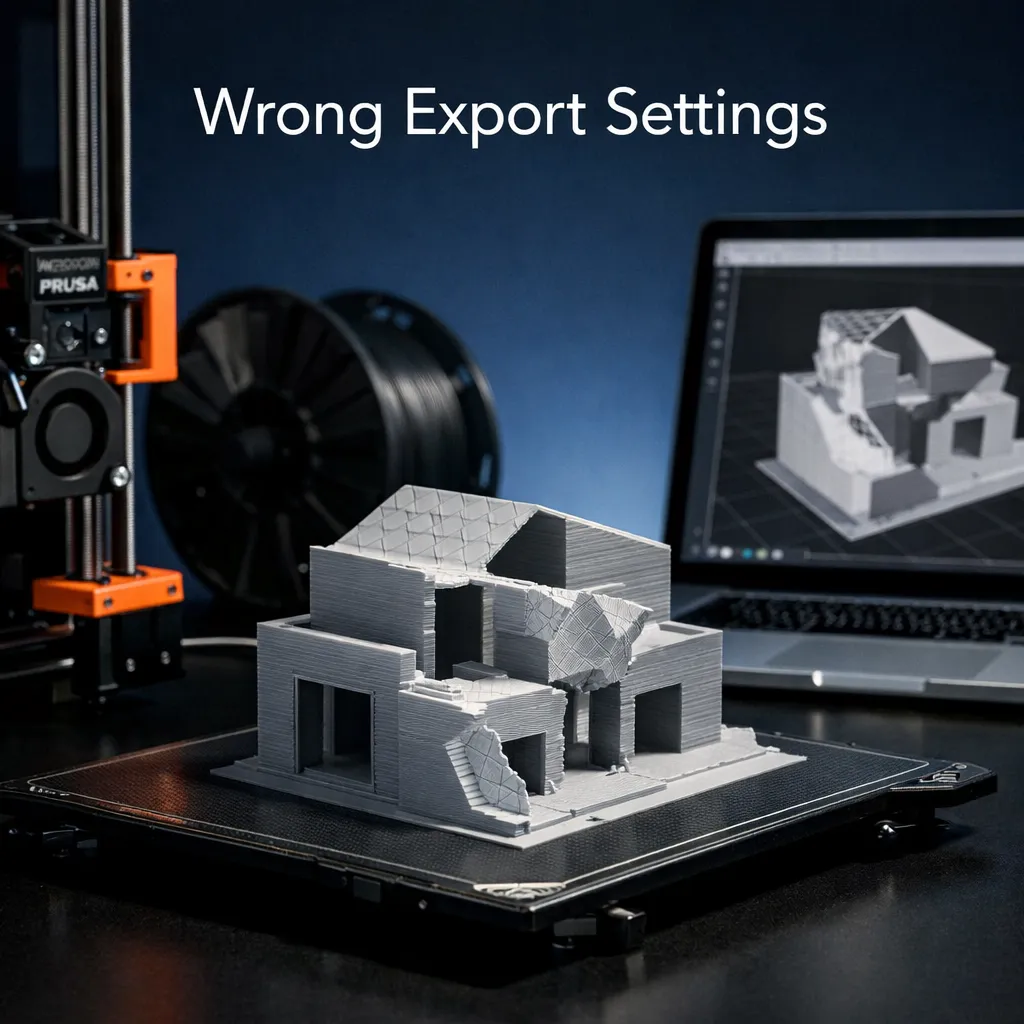
Wrong Export Settings
Inverted normals, oversized mesh, or incorrect file units.

Why Choose Us
Why ARCH GRAPHIC
3D Printing UAE
We are not a generic print shop. We are architects and makers who understand scale, presentation standards, and precision production.
Architect-Led Review
Technical review by people who understand architectural standards.
FDM + Resin Workflows
Precision FDM for models, high-detail resin for fine elements.
Large Format Capability
Full architectural model production. Sectioning and assembly included.
Fast UAE Turnaround
Dubai · Sharjah · Ajman · Abu Dhabi and all UAE delivery.
Simple Process
How It Works
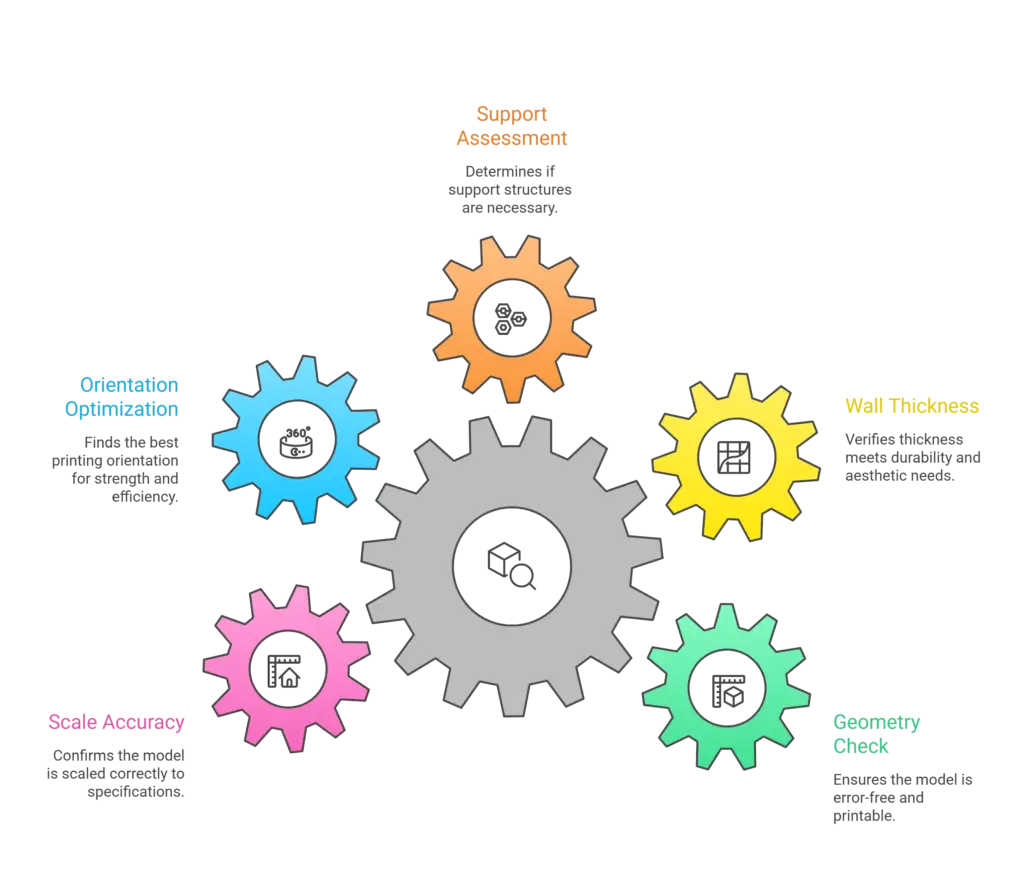
Our 3D printing process follows five clear steps, from file upload to a finished 3D printed model ready for pickup or delivery anywhere in the UAE. This simple workflow helps students, architects, designers, and businesses move from idea to production with better clarity, faster review, and more reliable results.
Upload
Share your STL or STEP file with target scale and base size.
We Review
Geometry, wall thickness, supports, orientation, and scale accuracy checked.
Quote + Plan
You receive a production plan with material, strategy, and timeline.
Print + QC
We produce and run quality checks before dispatch.
Deliver
Pickup or delivery across all UAE.
Common Questions
Frequently Asked Questions
Find answers to the most important questions before submitting your 3D file for production with 3D Printing ARCH GRAPHIC. This section covers common topics such as accepted file formats, scale setup, material selection, turnaround time, wall thickness, and print preparation to help you avoid mistakes and prepare your model for smooth 3D printing in the UAE.
Ready to Bring your Project to Life?
Contact us now for a consultation or quote, and we’ll help you create the custom art piece you’ve been imagining. Let’s make your project a reality with our expert 3D printing services.


